Upload your JPG
PNG, JPG, WebP or SVG. Set the finished size and fabric.
Start a JPG or JPEG to DST project with the right source and finished size. Preview your artwork and prepare the details for a Tajima-format stitch file.
A JPG file shows what your design looks like. A DST file tells the machine how to sew it: where each stitch goes, which areas become satin, fill or running stitch, and when the thread colour changes. Hunch builds that stitch plan for you automatically and exports a DST file ready for your machine.
Included: realistic thread preview, stitch type editing, hoop sizing and export to DST.
PNG, JPG, WebP or SVG. Set the finished size and fabric.
Compare embroidery styles in a realistic thread preview and choose your favourite.
Satin, fill and running stitches are built with underlay and pull compensation.
Export DST and load it straight onto your machine.
Look closely around lettering and high-contrast edges. JPEG compression can introduce blocks or speckles that do not belong to the design. Re-export from the original artwork when possible. Enlarging a small JPEG does not restore missing detail, and a high-resolution photograph still needs artistic decisions about which details should become thread.
Compare the artwork at its intended physical size. Remove details that stop being readable when the design is reduced.
A realistic preview shows how fills, satins and colours will look on fabric before you sew.
Switch any area between satin, fill, running or cross stitch and tune density and angle.
Pick your hoop and the design is scaled to fit, ready to load on your machine.
Find inspiration for your next project in our floral, animal and seasonal collection.
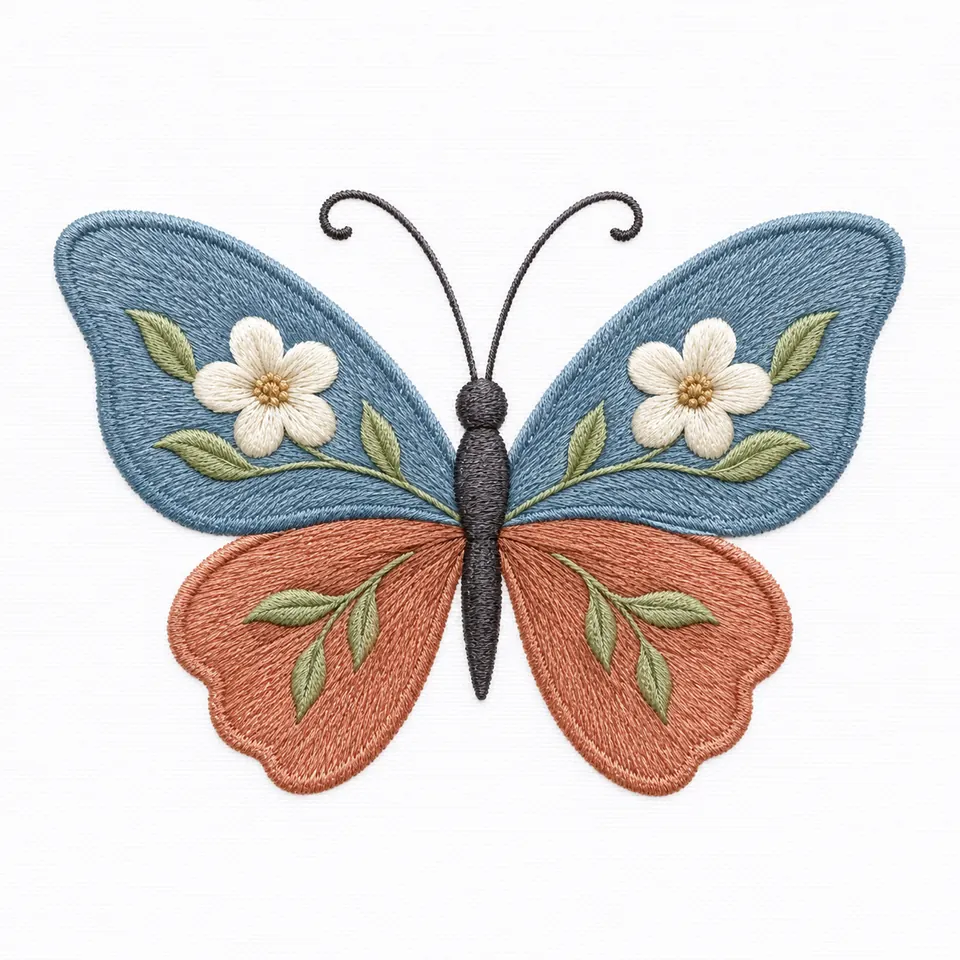 Animals
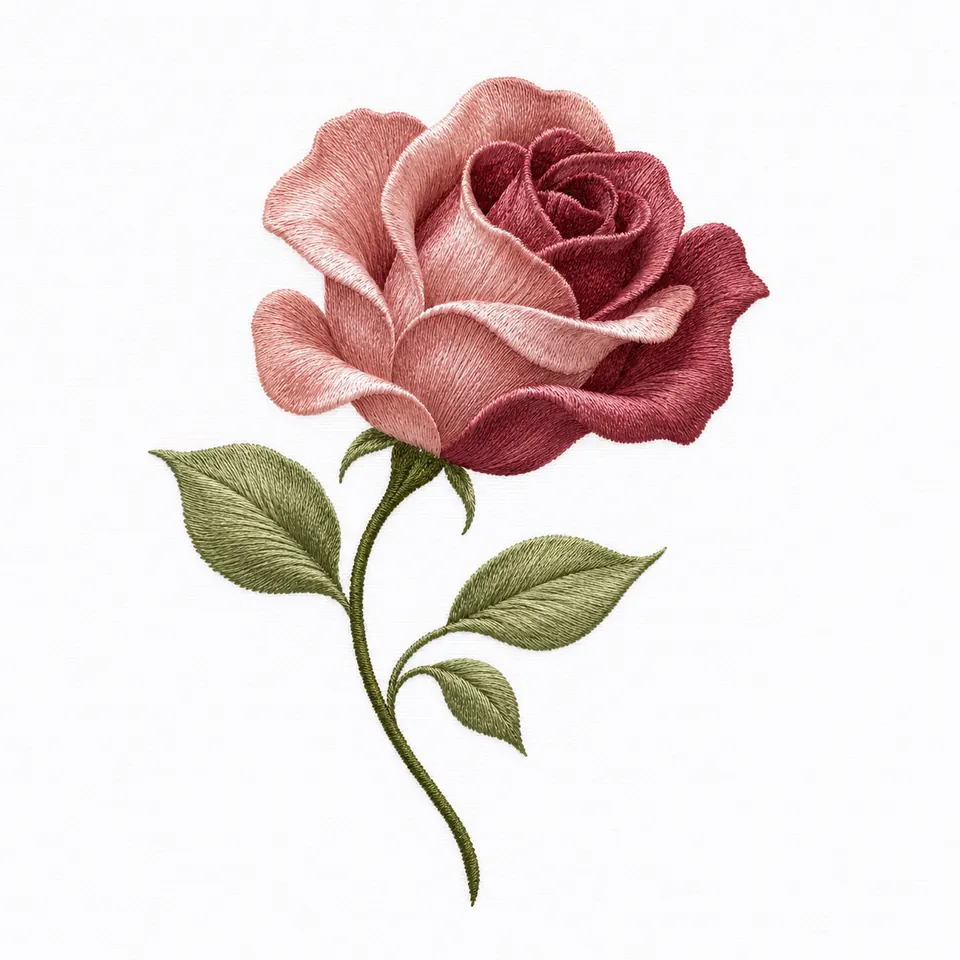 Flowers
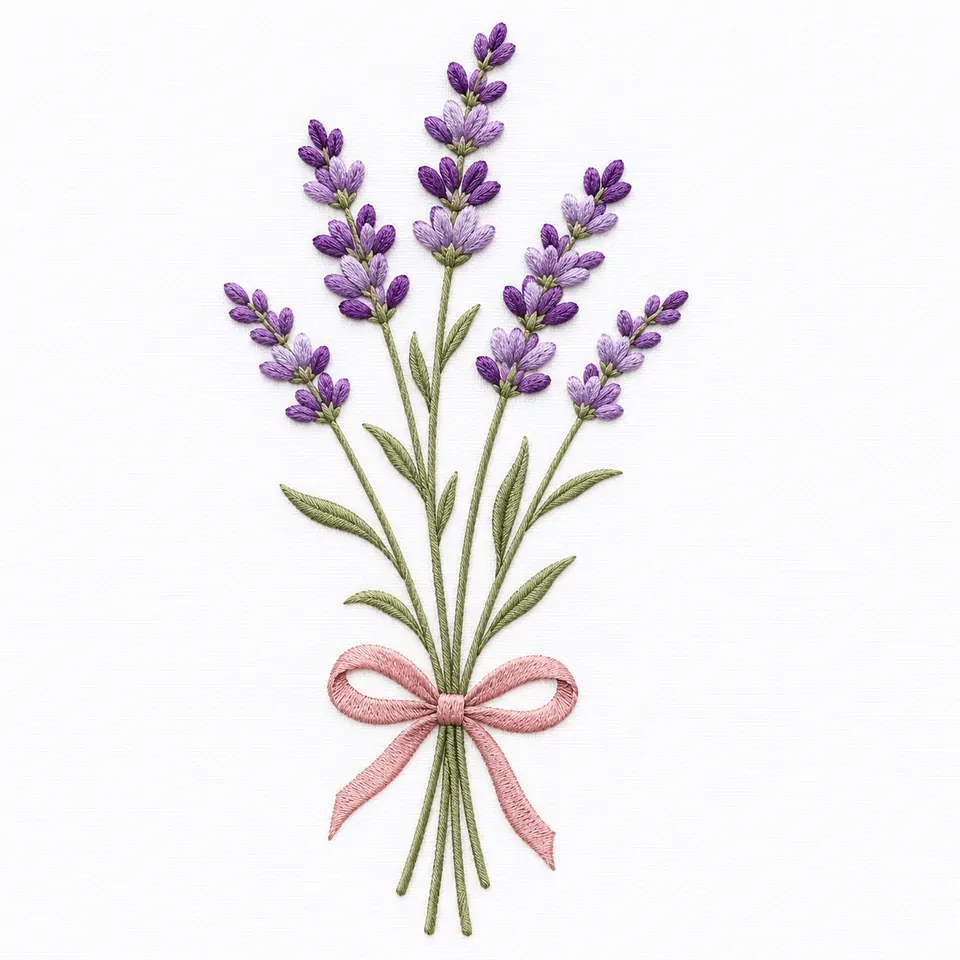 Flowers
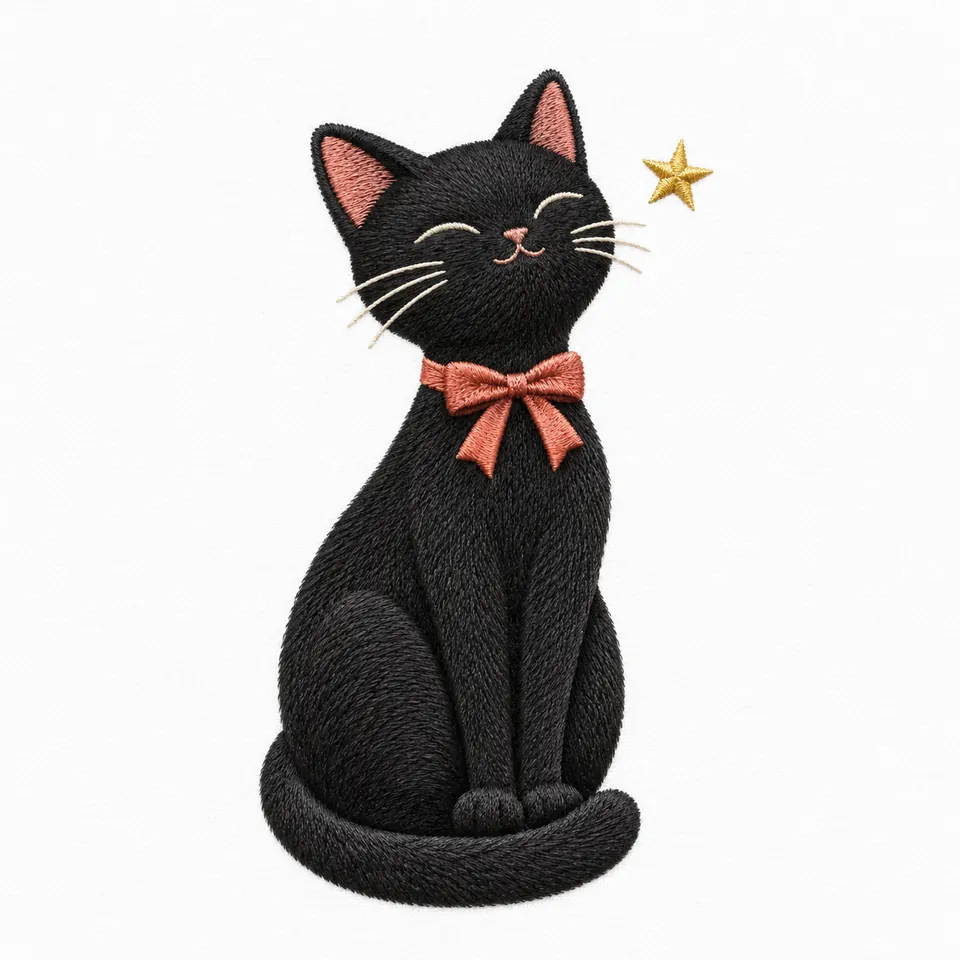 Animals
DST is associated with Tajima and is widely used in commercial embroidery workflows. A standard DST stores stitch movements and colour changes, rather than a complete thread palette. Keep a separate thread sequence with colour names and numbers. Confirm that your specific machine accepts the file and that the design fits its usable sewing area.
Keep the thread sequence beside the DST file. Screen colours in a DST viewer can be illustrative.
DST vs PES: which format do you need?Upload your JPG, set the finished size and pick the stitch version you like. Hunch auto digitizes it and you download a DST file. Run a quick test sew out before a large order.
JPG and JPEG are two extensions for the same image format. They follow the same digitizing workflow. Neither contains stitch coordinates, so changing the filename to .dst or .pes will not make a usable embroidery file.
DST works on Tajima, Barudan, SWF, Ricoma, Melco and most commercial embroidery machines.
Yes. Switch any area between satin, fill, running or cross stitch, and adjust density, angle and underlay to suit your fabric.
Watch it sew stitch by stitch in the free stitch simulator, or open a DST in the free DST viewer to check its size and stitch count.
Ready in minutes. Nothing to install.