Upload your image
PNG, JPG, WebP or SVG. Set the finished size and fabric.
Auto digitize any logo, photo or drawing with AI. Compare stitch versions in a realistic preview, fine tune stitch types and download a machine-ready file.
Manual digitizing means placing every stitch by hand in desktop software, often an hour or more per design. An AI embroidery digitizer does the routine work for you: it reads shapes, edges and colours, picks satin, fill or running stitch for each area, adds underlay and plans the sewing order. You stay in control of the result.
Included: realistic thread preview, stitch type editing, hoop sizing and export to DST, PES, JEF, EXP or VP3.
PNG, JPG, WebP or SVG. Set the finished size and fabric.
Compare embroidery styles in a realistic thread preview and choose your favourite.
Satin, fill and running stitches are built with underlay and pull compensation.
Export DST, PES, JEF, EXP or VP3 and load it straight onto your machine.
AI is fastest on logos, lettering, clipart and illustrations, and it opens up photo embroidery and cross stitch in one click. A human eye still matters for very small text and unusual fabrics. That is why Hunch shows several stitch versions and lets you change any stitch type before you download.
Run a short test sew out on the same fabric before a large order. It is the quickest way to confirm density and colours.
A realistic preview shows how fills, satins and colours will look on fabric before you sew.
Switch any area between satin, fill, running or cross stitch and tune density and angle.
Pick your hoop and the design is scaled to fit, ready to load on your machine.
Find inspiration for your next project in our floral, animal and seasonal collection.
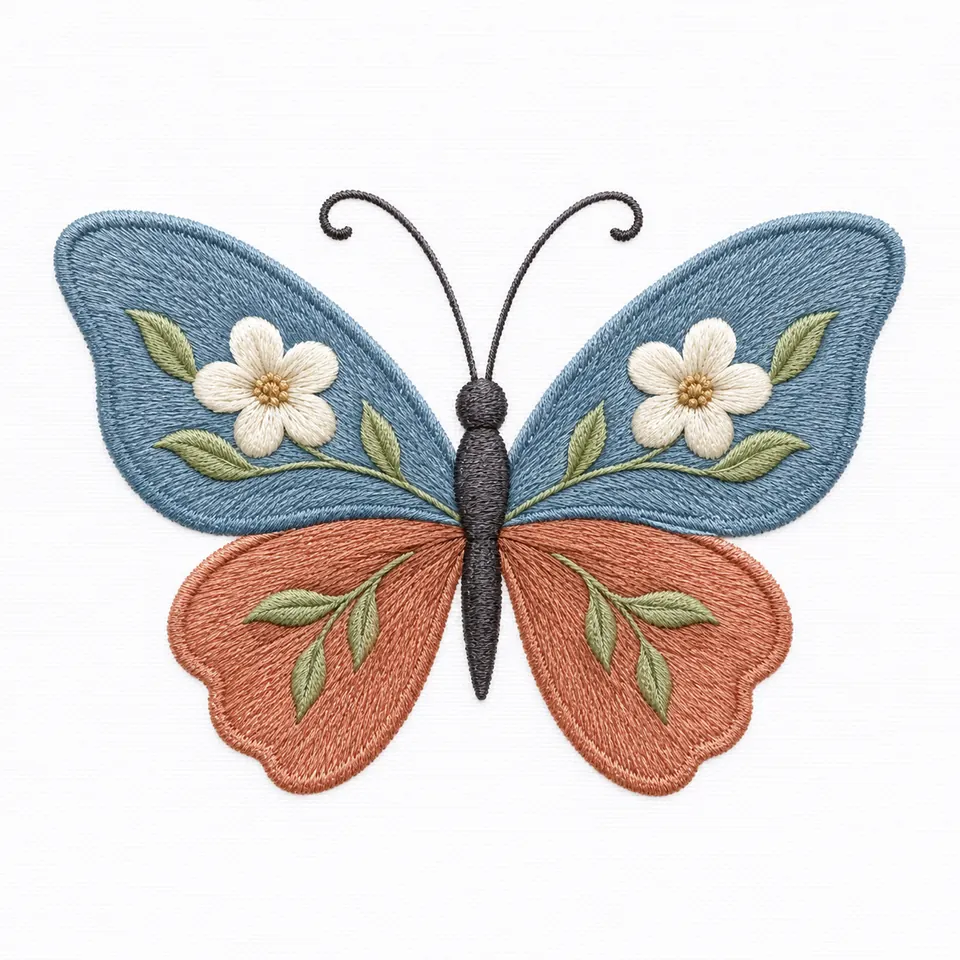 Animals
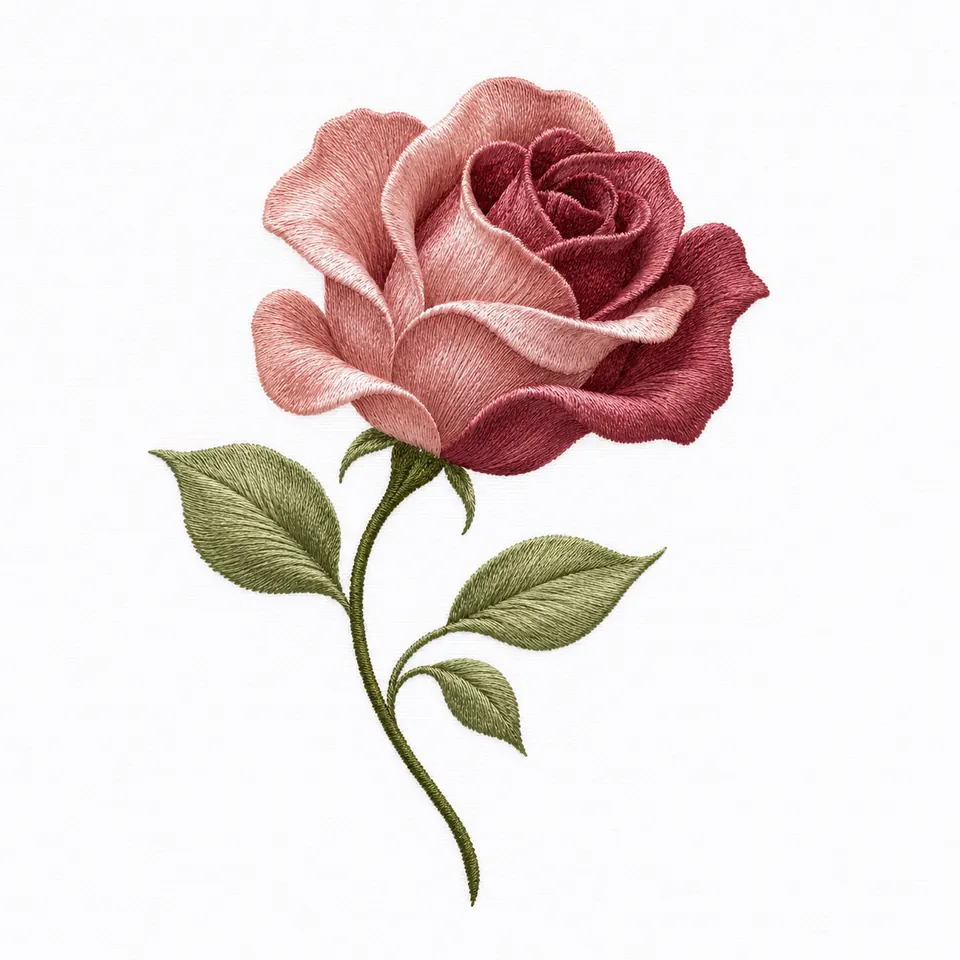 Flowers
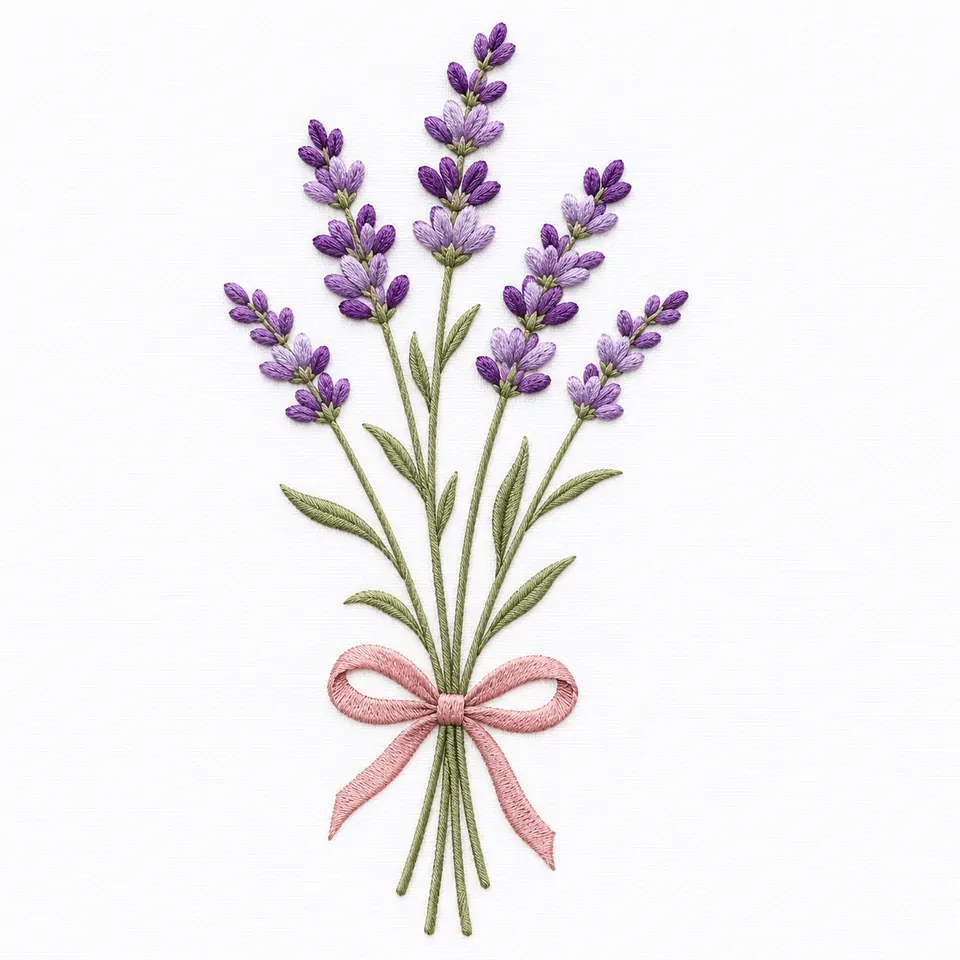 Flowers
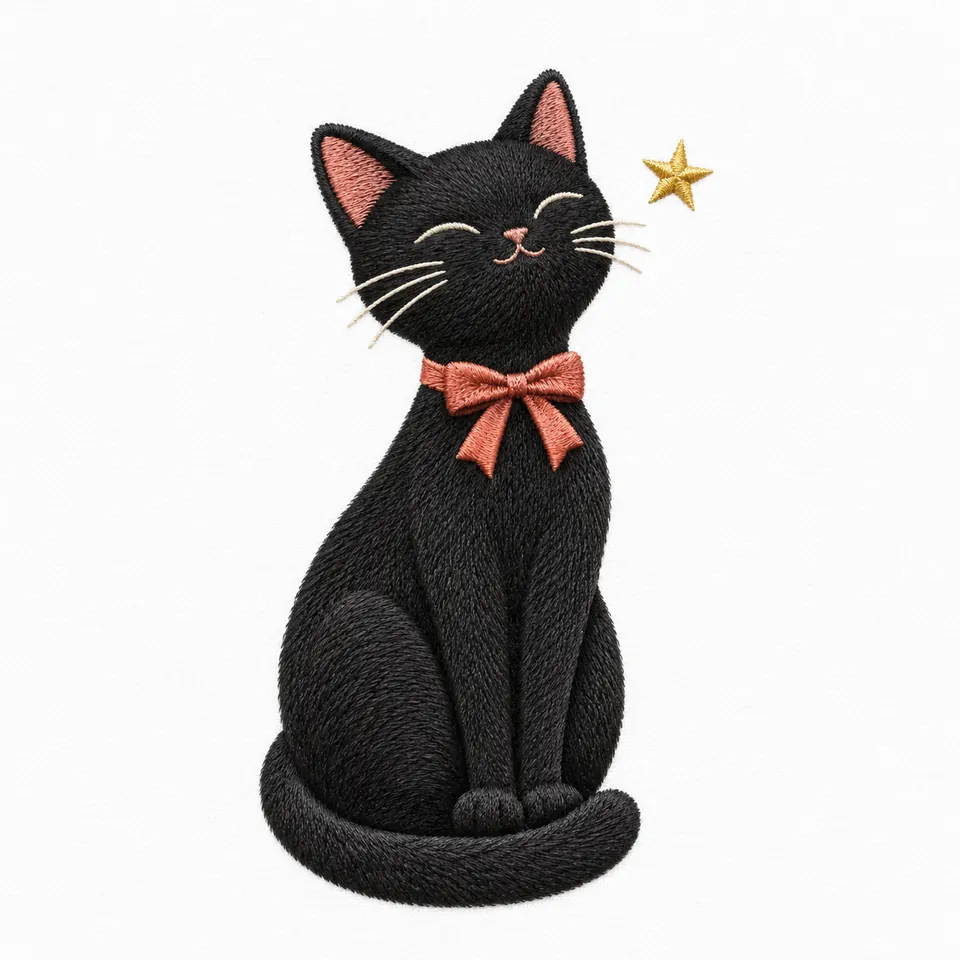 Animals
DST, PES and JEF describe different machine-file formats. Start with your machine manual and its usable hoop area, then choose the format your setup accepts. Keep both the editable design and the machine export: the stitch file is not a complete replacement for the original artwork or digitizing project.
The right extension is only one check. Size, sequencing, fabric and a sample sew-out also matter.
DST vs PES: which format do you need?Upload your image, set the finished size and pick the stitch version you like. Hunch auto digitizes it and you download DST, PES, JEF, EXP or VP3. Run a quick test sew out before a large order.
For clean artwork it comes close to a professional digitizer and takes minutes instead of hours. Complex photos and tiny details may need a quick edit, which you can make in the stitch editor.
Choose DST for commercial machines, PES for Brother and Baby Lock, JEF for Janome, EXP for Melco and Bernina, and VP3 for Husqvarna Viking and Pfaff.
Yes. Switch any area between satin, fill, running or cross stitch, and adjust density, angle and underlay to suit your fabric.
Yes, for most logos, names and illustrations. Preview the result, adjust stitch types where needed and test once on your fabric before you list the product.
No. Hunch runs in your browser. Upload an image and download a DST, PES or JEF file without installing anything.
Watch it sew stitch by stitch in the free stitch simulator, or open a DST in the free DST viewer to check its size and stitch count.
Ready in minutes. Nothing to install.