Upload your image
PNG, JPG, WebP or SVG. Set the finished size and fabric.
Convert any picture into a machine-ready embroidery file. Upload a PNG, JPG or SVG, pick the stitch version you love and download DST, PES or JEF.
An image shows what your design looks like. An embroidery file tells the machine how to sew it: where each stitch goes, which areas become satin, fill or running stitch, and when the thread colour changes. Hunch reads the shapes and colours in your picture, builds that stitch plan automatically and exports it in the format your machine reads.
Included: realistic thread preview, stitch type editing, hoop sizing and export to DST, PES, JEF, EXP or VP3.
PNG, JPG, WebP or SVG. Set the finished size and fabric.
Compare embroidery styles in a realistic thread preview and choose your favourite.
Satin, fill and running stitches are built with underlay and pull compensation.
Export DST, PES, JEF, EXP or VP3 and load it straight onto your machine.
Logos, illustrations and clipart with clear shapes and a few solid colours give the cleanest results. Transparent PNGs and SVG vectors keep edges crisp. Photos work too: switch to photorealistic or cross stitch mode. Avoid tiny text and lines thinner than 1 mm at the finished size.
Start from the largest original you have. A small screenshot loses the detail Hunch needs to place stitches accurately.
A realistic preview shows how fills, satins and colours will look on fabric before you sew.
Switch any area between satin, fill, running or cross stitch and tune density and angle.
Pick your hoop and the design is scaled to fit, ready to load on your machine.
Find inspiration for your next project in our floral, animal and seasonal collection.
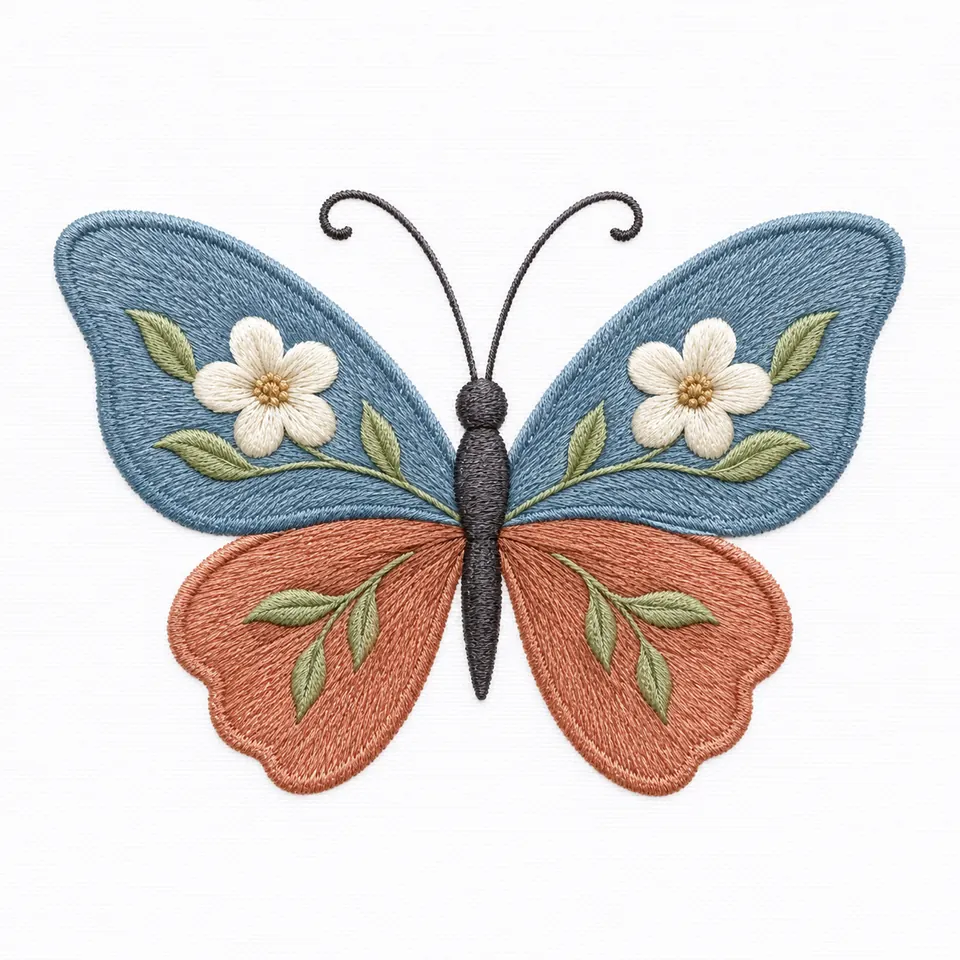 Animals
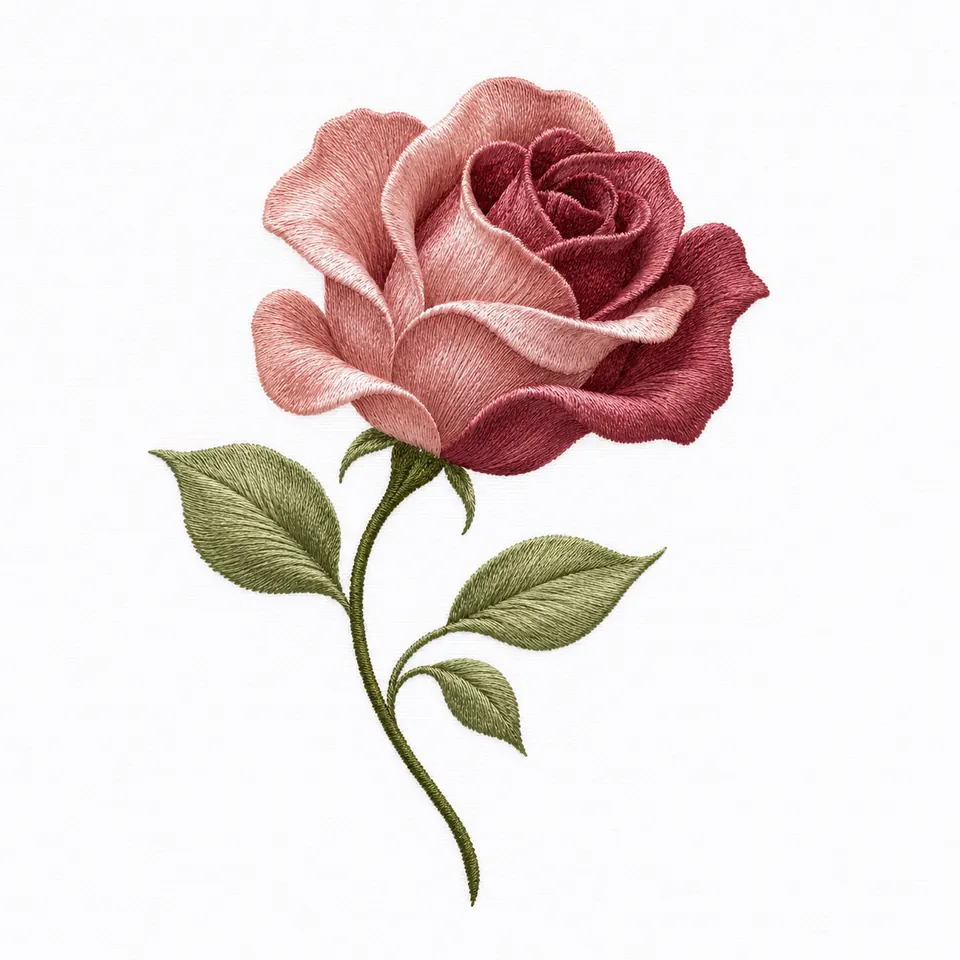 Flowers
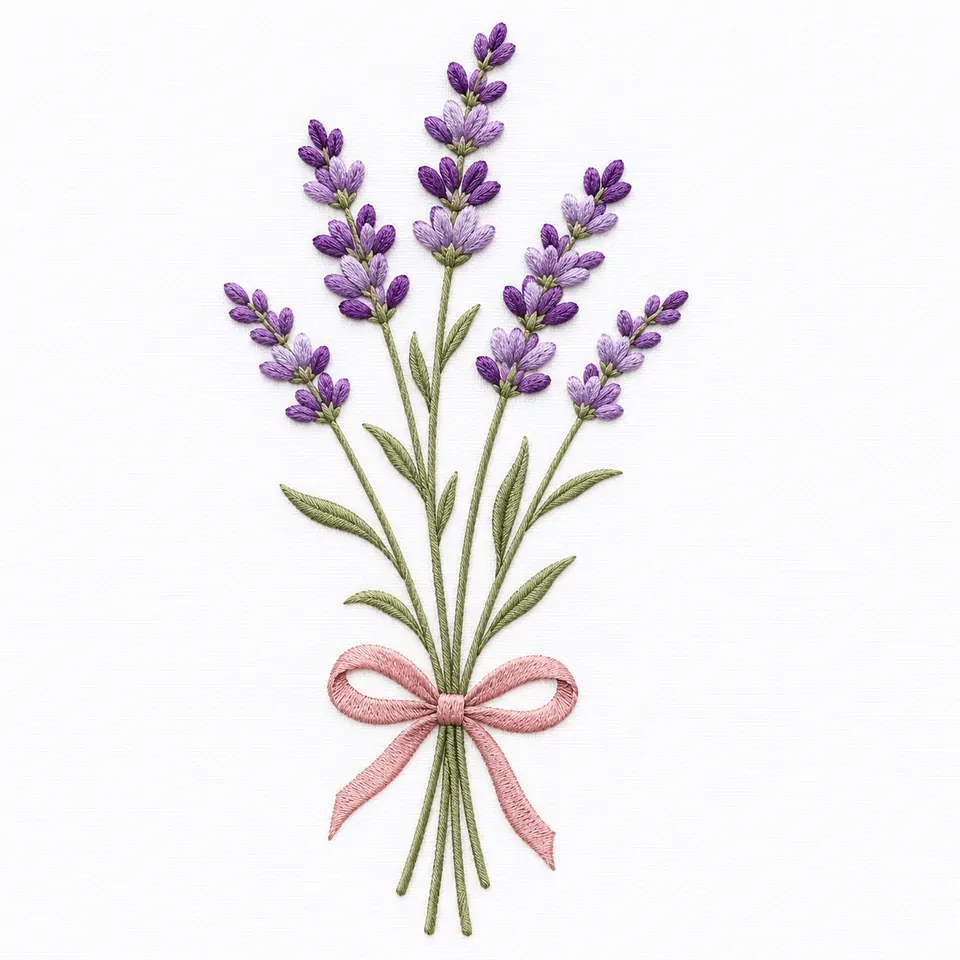 Flowers
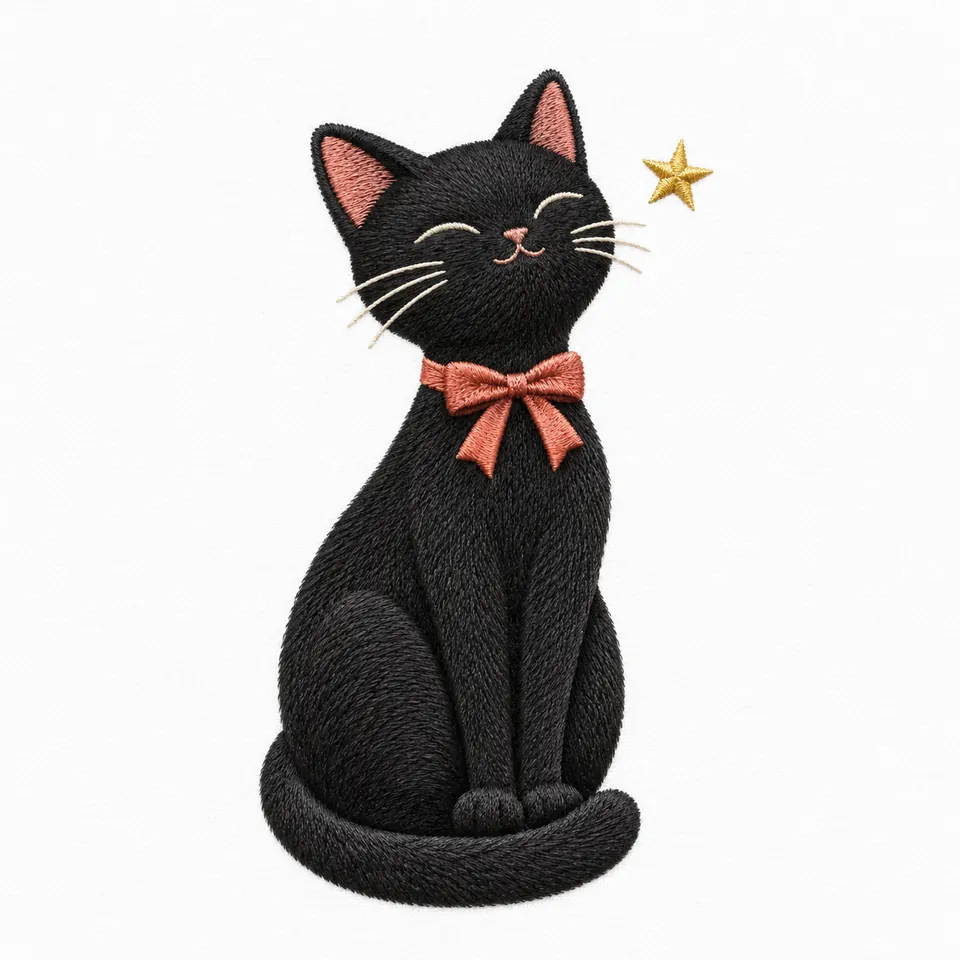 Animals
DST, PES and JEF describe different machine-file formats. Start with your machine manual and its usable hoop area, then choose the format your setup accepts. Keep both the editable design and the machine export: the stitch file is not a complete replacement for the original artwork or digitizing project.
The right extension is only one check. Size, sequencing, fabric and a sample sew-out also matter.
DST vs PES: which format do you need?Upload your image, set the finished size and pick the stitch version you like. Hunch auto digitizes it and you download DST, PES, JEF, EXP or VP3. Run a quick test sew out before a large order.
Most pictures can. Flat artwork converts almost one to one, while photos become photorealistic shading or cross stitch. Very small details are simplified so they still sew cleanly.
Choose DST for commercial machines, PES for Brother and Baby Lock, JEF for Janome, EXP for Melco and Bernina, and VP3 for Husqvarna Viking and Pfaff.
Yes. Switch any area between satin, fill, running or cross stitch, and adjust density, angle and underlay to suit your fabric.
SVG and transparent PNG give the cleanest edges. JPG works well when it is large and sharp. Avoid heavily compressed images and screenshots.
Yes. Converting a picture to an embroidery file is digitizing: turning artwork into stitches. Hunch automates it with AI and lets you adjust every stitch type before you download.
Watch it sew stitch by stitch in the free stitch simulator, or open a DST in the free DST viewer to check its size and stitch count.
Ready in minutes. Nothing to install.